What is CAD Software?
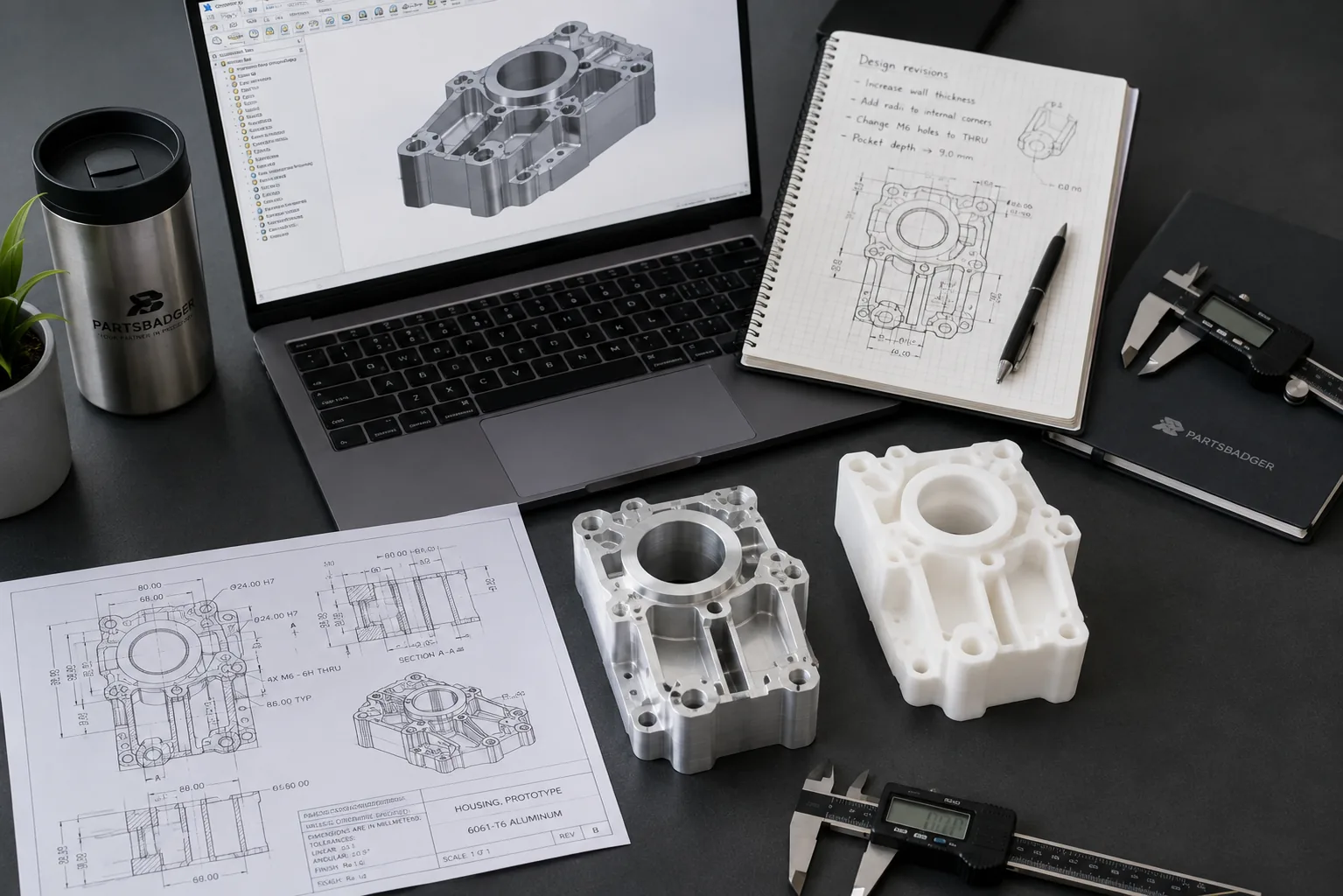
Engineers use CAD (Computer-aided design) to help design and visualize objects they want to build, such as computer chips, buildings, or cars. You can use CAD software in two different ways: By creating 2D designs that show what an object will look like when it’s finished or 3D models that people can manipulate to visualize how the object will work.
Computer-Aided Design is an invaluable tool for businesses of all sizes, from large corporations to small shops. CAD allows users to create/edit 2D and 3D designs, renderings, and simulations.
If you’re looking for a great CAD solution that’s powerful but easy to use, check out AutoCAD software. It’s one of the most popular solutions in its category.
CAD software allows us to create precise digital renderings of our products. Allowing us to more efficiently and effectively design products that were simply impossible before its advent. Many people might not realize it, but this software can trace its history back to a complex device called the mechanical calculator: a tool invented by Gottfried Leibniz in 1673.
CAD software also creates virtual prototypes of our products, which can then be tested and tweaked before any physical construction begins. This reduces product failures as well as production costs. This software makes it possible for businesses to design a wide range of complex products with significantly greater efficiency and precision than ever before.
How to Use CAD Software
At first glance, CAD software may seem intimidating to those unfamiliar with it. There are lots of ways to use the software. For businesses, they can quickly create and edit designs and schematics. Architects, engineers, and product designers program this software in a variety of industries. Engineers use CAD with another common tool, CNC (computer numerically controlled) machines.
The software also allows you to efficiently send these drawings digitally from one person. This is the main benefit for engineers sending designs to PartsBadger.
They can be programmed to create certain types of parts for manufacturers. CNC machines were originally developed for milling and cutting metal, but have expanded into other materials over time as well.
Common CAD Uses
CAD software allows a variety of different businesses to benefit from its use.
Whether you need to design a new facility or create plans for your business or household, there are many benefits to CAD software. One of its biggest advantages is that it can quickly and easily create high-quality designs for 2D drawings of CNC parts. It’s also possible to share information, allowing you to send important files across your network very easily.
You can use CAD to create your 2D drawings and send them over to PartsBadger. We will sync these designs to our CNC machines and instantly create your parts.
Click here to request a quote with PartsBadger.
About PartsBadger
PartsBadger produces CNC manufactured parts to customer specifications for just about every industry, including but not limited to: Healthcare, Medical, Bioscience, Aerospace, Consumer Products, and Research & Development. We offer a revolutionary change to the way people and businesses source their custom parts.
PartsBadger is an online machine shop offering custom CNC parts for entrepreneurs, engineers, product designers, manufacturers, and makers. Instant 24/7 quotes and our aggressively low pricing removes the barriers to innovation faced by the dreamers and doers who need machined parts.